
Facilitator Manual
Profile
Tell clients who you are. Photo, bio, languages, specialty and an optional intro video.
Your Profile is what clients see when they open your public CURA page. A clear photo and a warm short bio dramatically increase bookings.
Profile photo
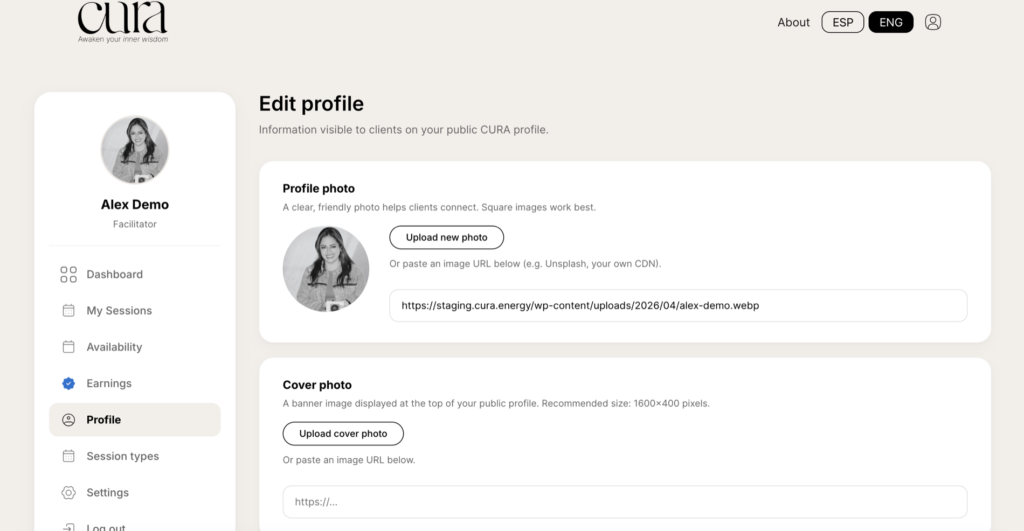
A clear, friendly photo helps clients connect. Square images work best — anything from 600×600 to 1200×1200 px is great.
- Click Upload new photo to pick a file from your computer.
- Or paste an image URL below (e.g. an Unsplash link or your own CDN).
Cover photo
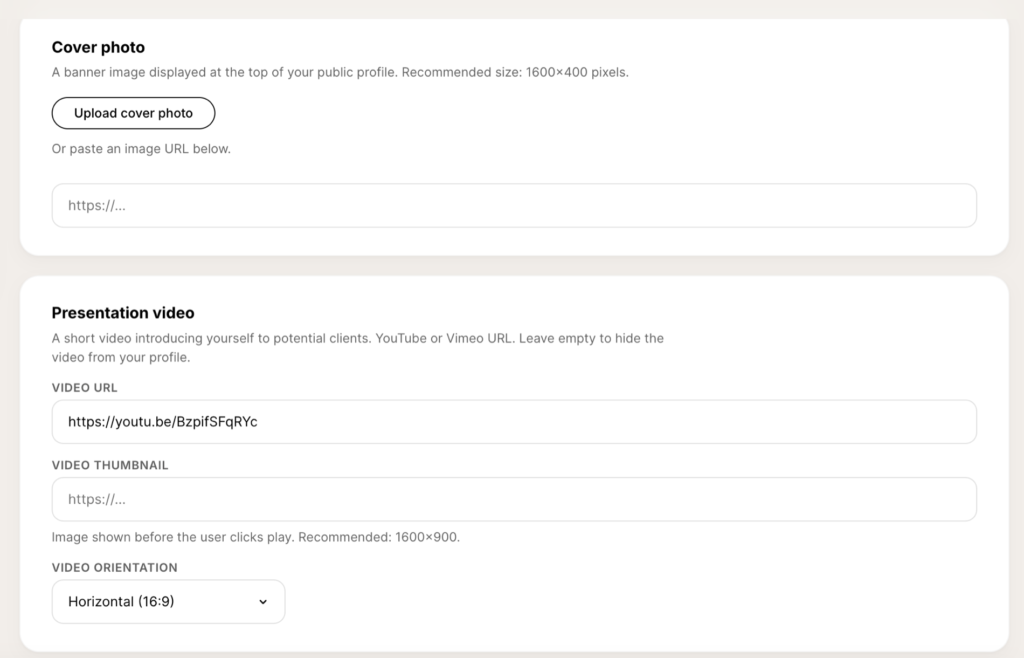
A banner image displayed at the top of your public profile. Recommended size: 1600×400 pixels. Use something atmospheric — a workspace shot, a landscape, an abstract texture — rather than another portrait.
Presentation video
A short video introducing yourself to potential clients. YouTube or Vimeo URLs are supported. Leave it empty to hide the video from your profile.
- Video URL — paste the link (e.g.
https://youtu.be/Bzpif…). - Video thumbnail — image shown before the user clicks play. Recommended 1600×900.
- Video orientation — Horizontal (16:9) or Vertical (9:16) for phone-shot videos.
Basic information
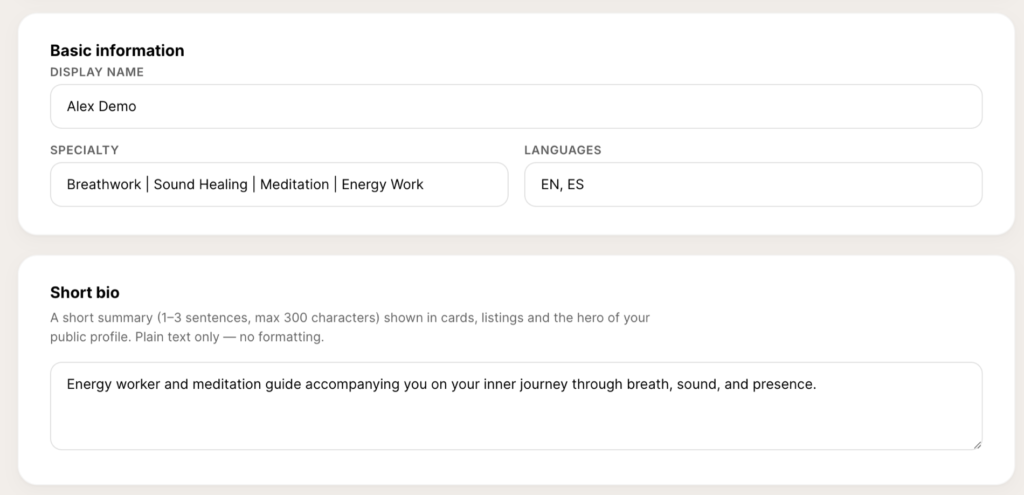
- Display name — the name clients see everywhere.
- Specialty — pipe-separated tags, e.g.
Breathwork | Sound Healing | Meditation. - Languages — comma-separated codes, e.g.
EN, ES.
Short bio
A 1–3 sentence summary (max 300 characters) shown in cards, listings and the hero of your public profile. Plain text only — no formatting.
Tip: lead with what you do for the client, not your credentials. “I guide professionals through somatic breathwork” beats “Certified facilitator with 10 years of experience”.
About you
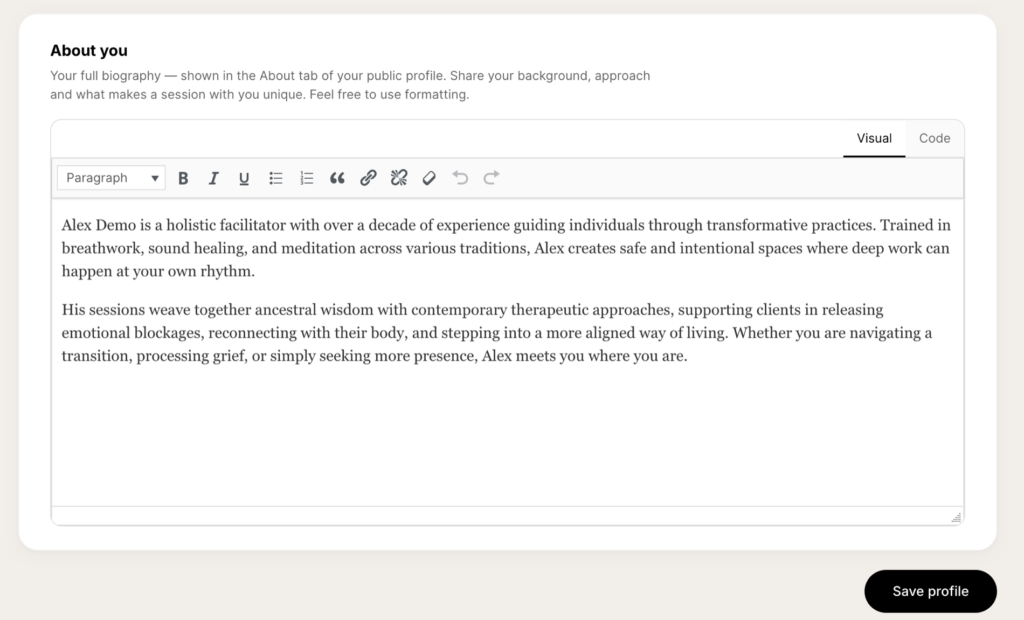
Your full biography — shown in the About tab of your public profile. This is where you can use formatting, paragraphs, lists and links. Share your background, approach and what makes a session with you unique.
When you are happy with the changes, click Save profile at the bottom right.